Epson Business Inkjet Technology

Flagship partner

Epson Business Inkjet Technology

Why inkjet for business

Think beyond laser

Epson's heat-free PrecisionCore technology delivers consistent quality with less power, fewer moving parts, and supply costs that change the total cost equation for high-volume offices.

Epson WorkForce Pro MFP's and Epson WorkForce Enterprise Copiers | One Source Imaging, Eau Claire, WI

Authorized Epson dealer in Eau Claire for WorkForce Pro, WorkForce Enterprise, and SureColor. Heat-free inkjet with affordable cost-per-page. Local demos, professional installation, and service after the sale.
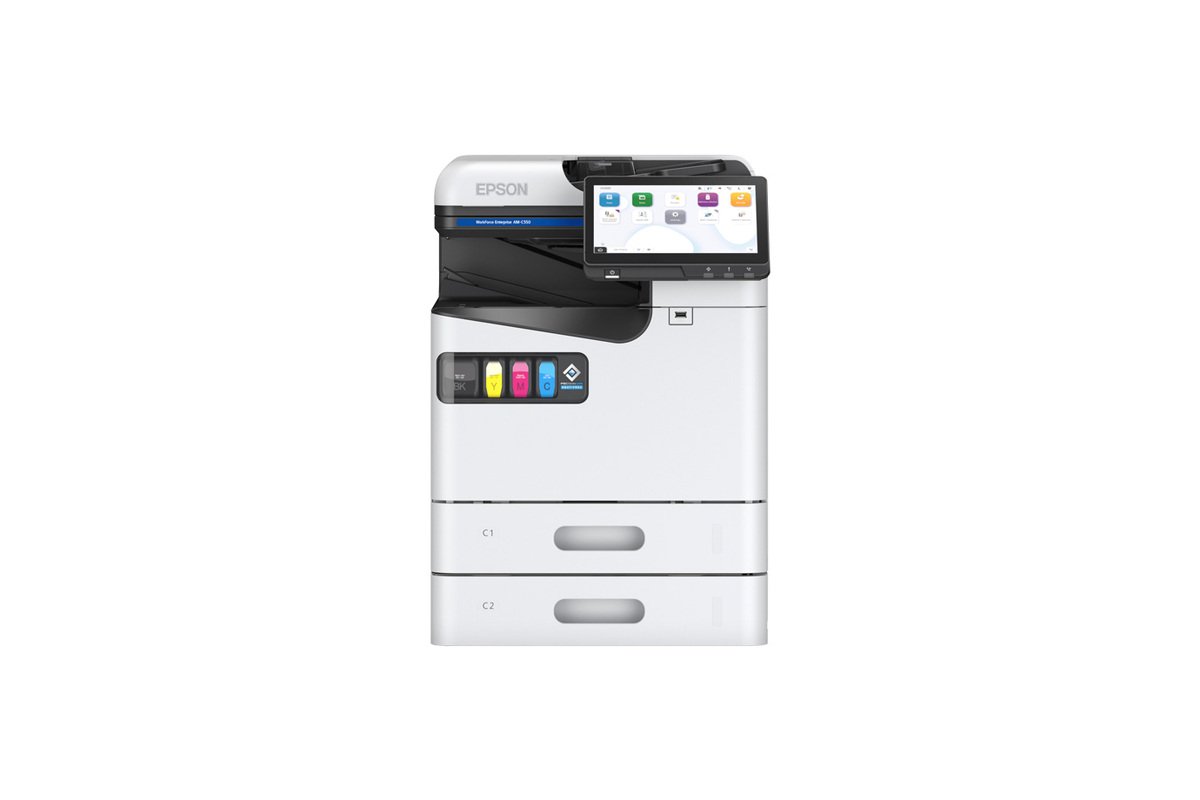
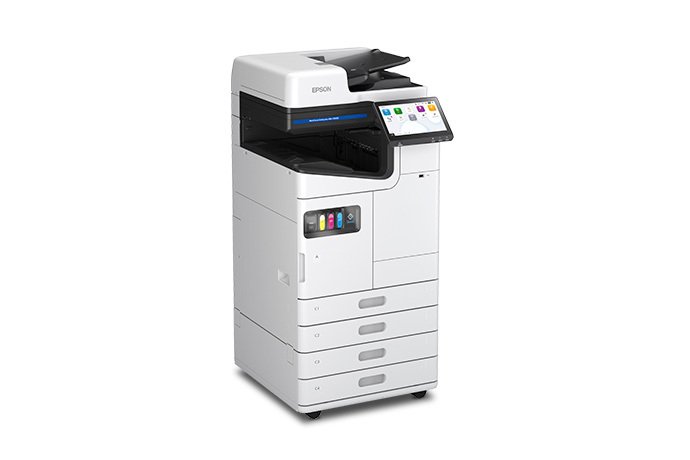
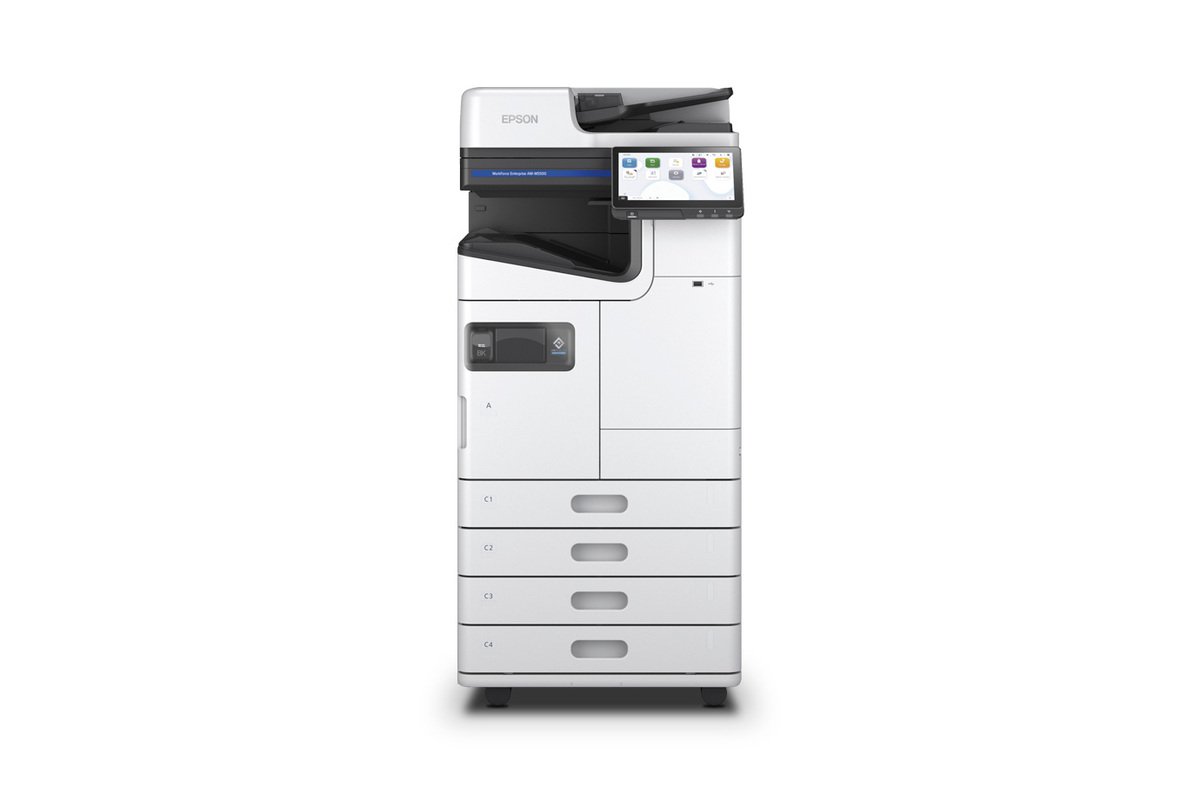
Featured: WorkForce Enterprise AM-M5500

  • High-speed monochrome MFP for busy offices
  • Scan, copy, print, and distribute from one device
  • Ideal replacement for aging laser fleets
  • Backed by local setup, training, and service from One Source Imaging

Request AM-M5500 quote

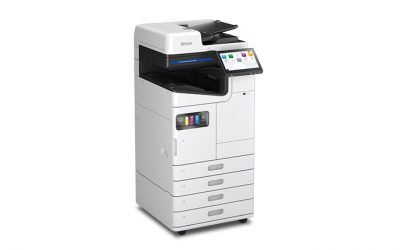
Epson WorkForce Enterprise AM-C4000

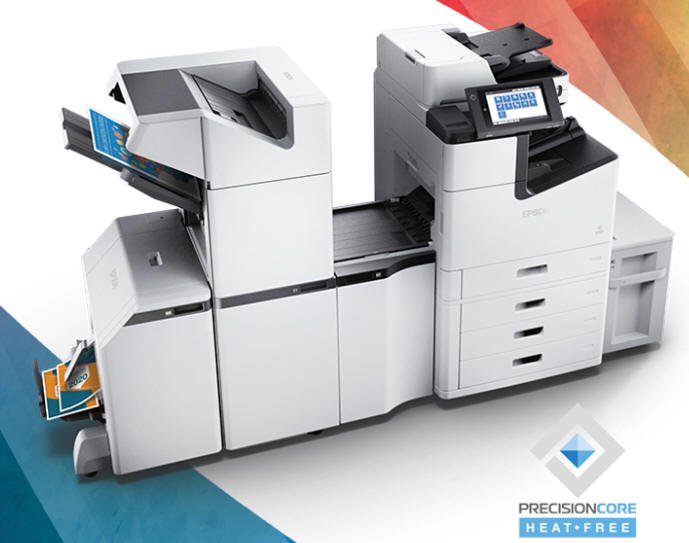
PrecisionCore Heat-Free Technology

The Epson Inkjet Advantage

Lower energy. Faster start.

PrecisionCore Heat-Free Technology ejects ink without the heat used in a laser fusing process. Epson highlights lower power consumption and practically no warmup time, so the device can begin producing pages without waiting for a fuser to reach operating temperature.

Less waste. Fewer interventions.

Epson business inkjet systems are designed with fewer maintenance parts than conventional laser architectures. High-yield replaceable ink systems can also extend the time between supply changes—important when a shared device is used all day.

Professional business output.

PrecisionCore printheads place ink with high accuracy, while Epson's DURABrite pigment inks are designed for sharp text, vivid graphics, fast drying, and consistent business documents across demanding office workloads.

Productivity that scales.

Fast first-page performance, strong duplex productivity, and high-yield consumables help maximize uptime. The same core inkjet strategy now spans compact workgroup MFPs, A3 office systems, and high-speed WorkForce Enterprise platforms.

Right-size the Epson platform to the work your office actually does

We look at monthly page volume, black-versus-color usage, paper sizes, scanning, finishing, number of users, supply yields, service needs, and available space before recommending a model. That can point to a small WorkForce Pro, a heavier-use AM-series desktop, an A3 WorkForce Enterprise system, or a high-volume monochrome platform.

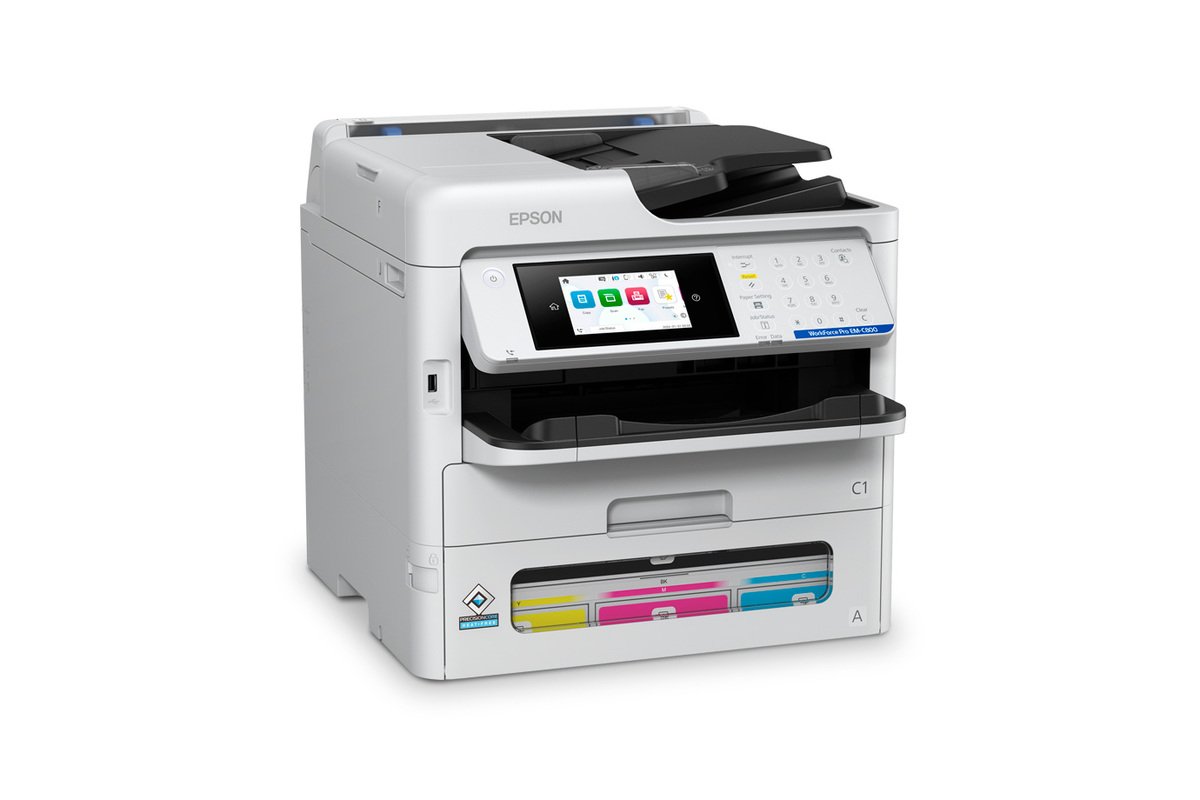
  • Compact color workgroups — models such as the EM-C800, AM-C400, and AM-C550
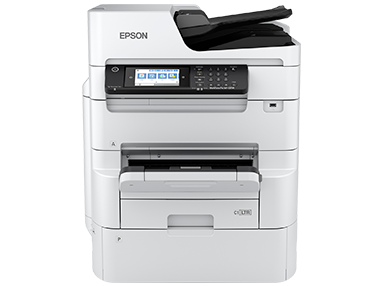
  • Wide-format workgroups — models such as the WF-C879R with A3 / 13 × 19 capability
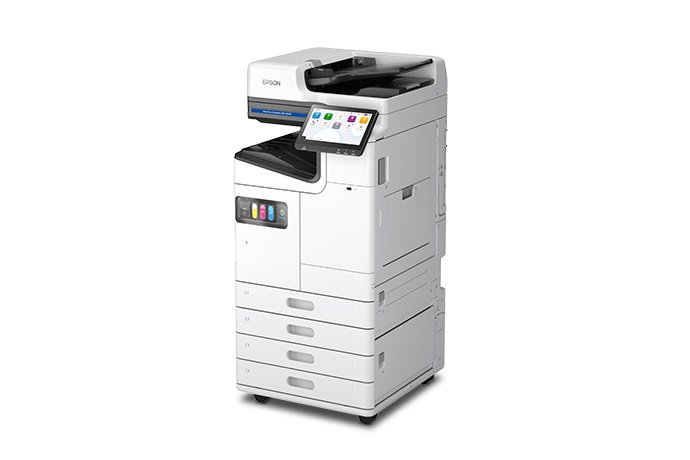
  • Floor-standing A3 color — AM-C4000, AM-C5000, and AM-C6000
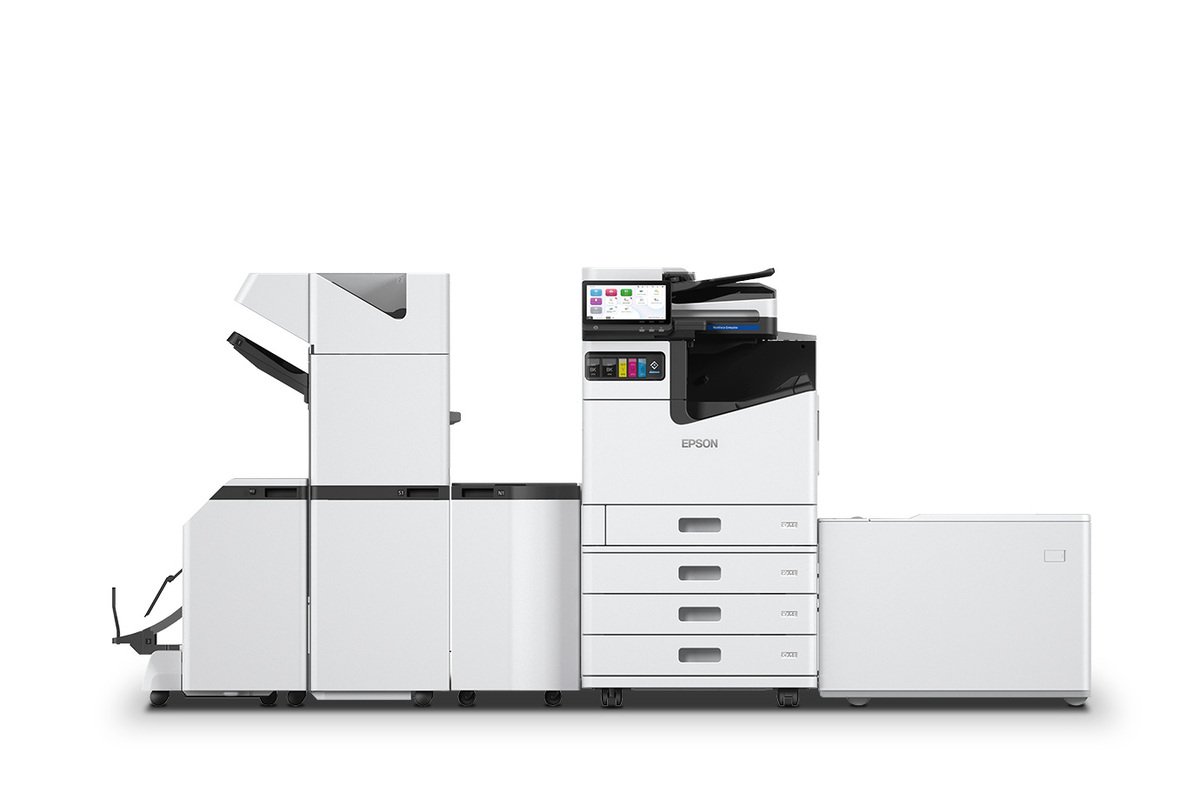
  • High-speed enterprise color — AM-C10000 for departments that need substantially more throughput
  • Enterprise monochrome — AM-M5500 for high-volume black-and-white environments

Printer & copier salesRequest equipment information

What we compare before recommending a model

  • Real monthly page volume
  • Black versus color mix
  • Letter, legal, A3, and specialty media
  • Scan volume and document workflows
  • Finishing and paper-capacity requirements
  • Supplies, service, energy, and long-term operating cost

Beyond The Printed Page

Scanning, workflow, security, and fleet management matter too

Capture & distribute documents

Fast automatic document feeders and duplex scanning help shared workgroups capture large files quickly. Depending on model and configuration, users can route scans to email, network locations, cloud destinations, USB media, and document workflows.

Useful when your office needs

  • High-volume duplex scanning
  • Shared scan destinations
  • Fewer manual document steps

Integrate with the business network

Many Epson business models support PCL and PostScript environments, user authentication, secure job release, network security controls, and Epson workflow tools. Compatible enterprise systems can also support Epson Open Platform and third-party integrations.

Designed for

  • Managed business networks
  • User and document security
  • Print-management and workflow software

Manage the fleet, not just one printer

The biggest savings often come from how the entire fleet is operated. One Source Imaging can combine Epson equipment with remote monitoring, supply coordination, service planning, and managed print programs so devices are supported as part of one system.

Already have multiple printers?

A fleet review can identify volume, recurring service issues, supply complexity, and devices that may be oversized or undersized for their actual workload.

Explore managed print

Compare the total operating picture—not just the purchase price

That means looking at energy, ink or toner cost, supply yields, maintenance, expected interventions, service, paper handling, scan productivity, and whether the device is properly sized for the workload. Epson's Heat-Free architecture and high-yield ink systems can change several of those variables at the same time.

  • Equipment cost and expected useful life
  • Black and color cost per page
  • Ink or toner replacement frequency
  • Maintenance parts and service expectations
  • Power consumption and warmup behavior
  • Employee time lost to supplies, service, scanning, and workflow bottlenecks

Request a cost and equipment review

Bring us your current numbers

  • Current printer or copier model
  • Monthly meter or page volume
  • Recent ink or toner purchases
  • Service or repair history
  • Features your users actually rely on

Epson WorkForce Enterprise WF-C21000 | High productivity business printers

Epson WorkForce Enterprise AM-C4000/C5000/C6000: A scalable inkjet printer for your business

See Epson in your office